Calendly
The Calendly integration lets your chatbot show open slots from your Calendly event types and book a meeting on behalf of the user — all in the chat thread.
In this guide:
- Connect Calendly
- Pick which event type the bot can book
- Test a booking
- Disconnect
Step 1: Connect
On the Integrations page, go to Calendly, then click Connect Calendly.
You’ll be prompted for your Calendly credentials. The integration uses Calendly’s API — sign in to your Calendly account and approve.
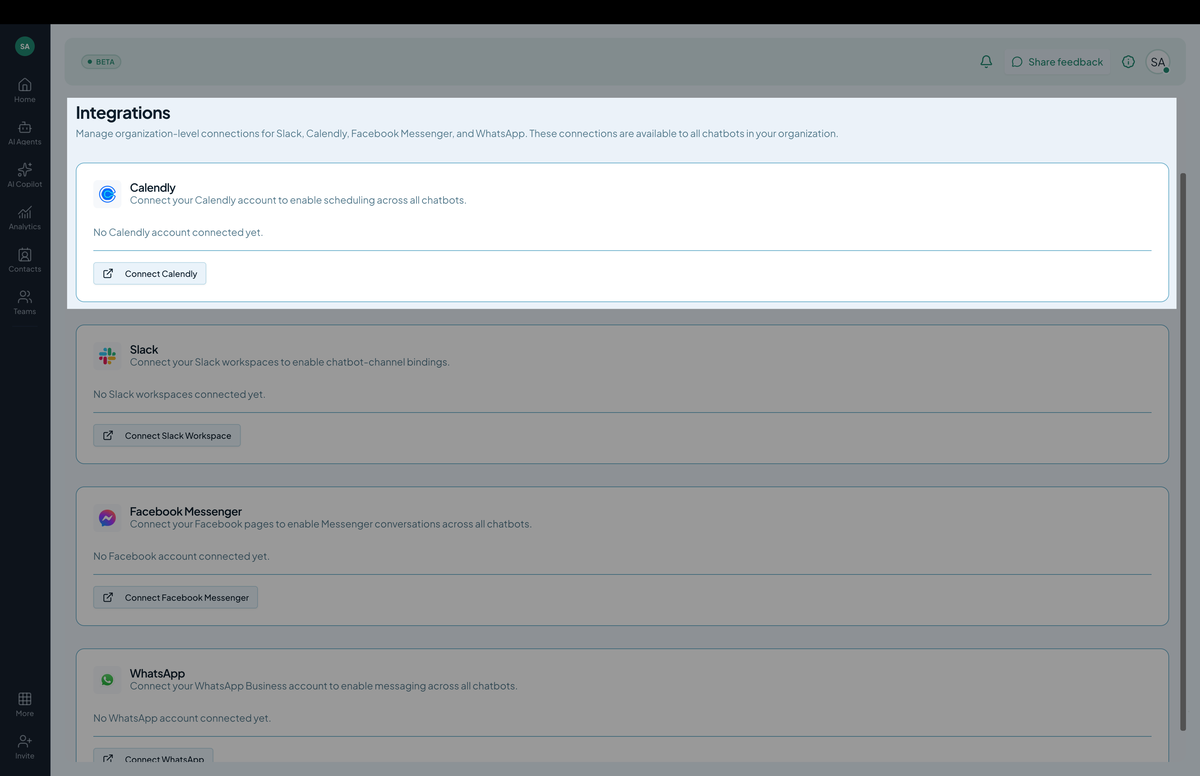
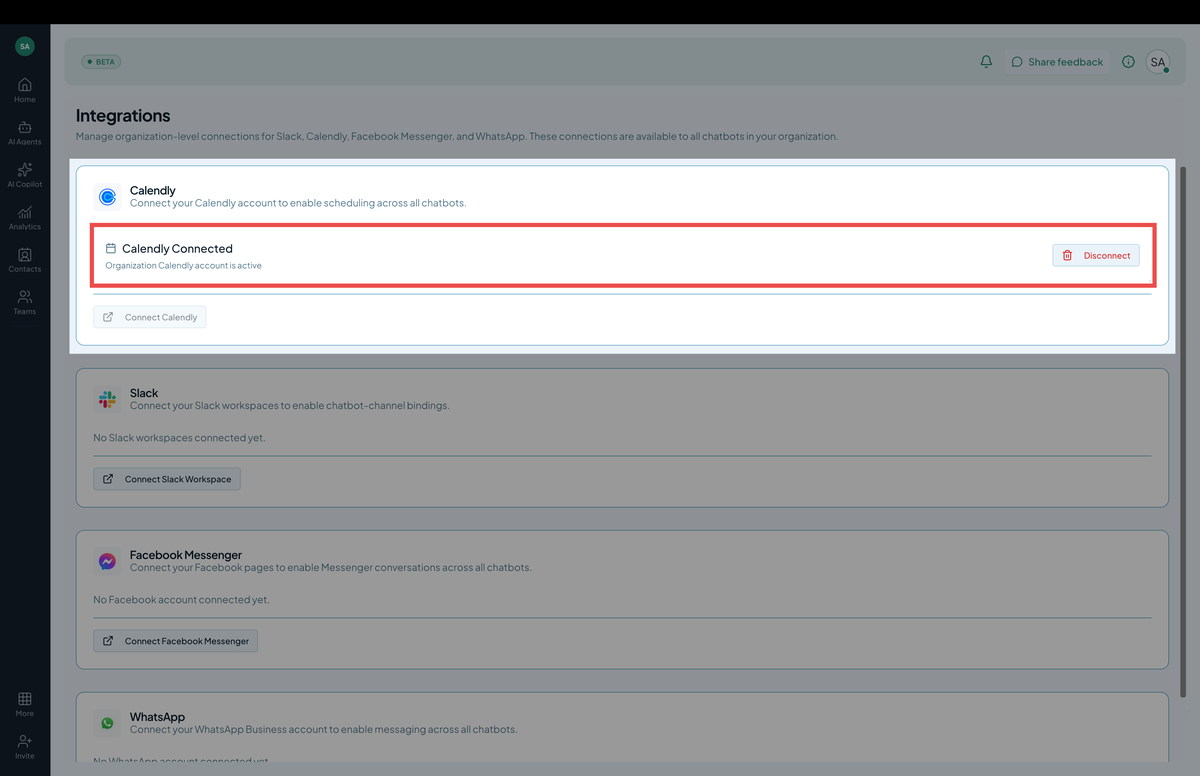 Screenshot: The Calendly integration card after connecting, showing event types.
Step 2: Pick an event type
After connecting, the integration lists your Calendly event types (15-min intro, 30-min discovery call, etc.). Pick which one the chatbot is allowed to book.
You can connect multiple event types — the bot decides which to offer based on context.
Step 3: Test a booking
In the Playground, say something like “Can I book a 30-minute call?” The bot:
- Calls the Calendly API to fetch available slots.
- Renders the slots inline in chat.
- Once the user picks a slot and provides their email, books the meeting.
- Replies with a confirmation including the calendar invite.
If a booking fails (slot taken, calendar conflict), the bot retries with the next-best slot or offers a list to pick from.
Step 4: Disconnect
In Actions → Calendly, click Disconnect. Hilal Chatbot’s stored credentials are revoked. To revoke at the Calendly side as well, visit your Calendly integrations page.
Tips
- Use a dedicated event type for chat bookings. “Quick chat (15 min)” is friendlier than your default “Discovery call”.
- Set buffer times in Calendly. The bot books exactly the slot — Calendly’s buffer-before/after settings respect themselves.
- Confirm the user’s email at booking time. The bot asks; respect what they enter.
Troubleshooting
- “No event types available.” You haven’t created any in Calendly yet. Go to Calendly → Event types → Add.
- Booking fails: “Slot already booked.” Race condition; tell the user, fetch slots again.
- OAuth keeps failing. Calendly access may have been revoked. Reconnect.