Train on a website
A website source is the most common way to train a chatbot. Hilal Chatbot crawls the URL you provide, extracts text, and indexes it. The bot then cites that content when answering.
In this guide:
- Add a website source
- Set crawl depth and limits
- What gets indexed (and what doesn’t)
- Re-crawl when content changes
- Troubleshoot common crawl issues
Step 1: Add the source
On the chatbot detail page, go to Knowledge base → Add knowledge source → Website.
Paste the URL you want indexed. Public, HTML pages work best — sites that require login, render entirely from JavaScript without server-side HTML, or block bots in robots.txt may extract poorly. For those, use Documents or Snippets instead.
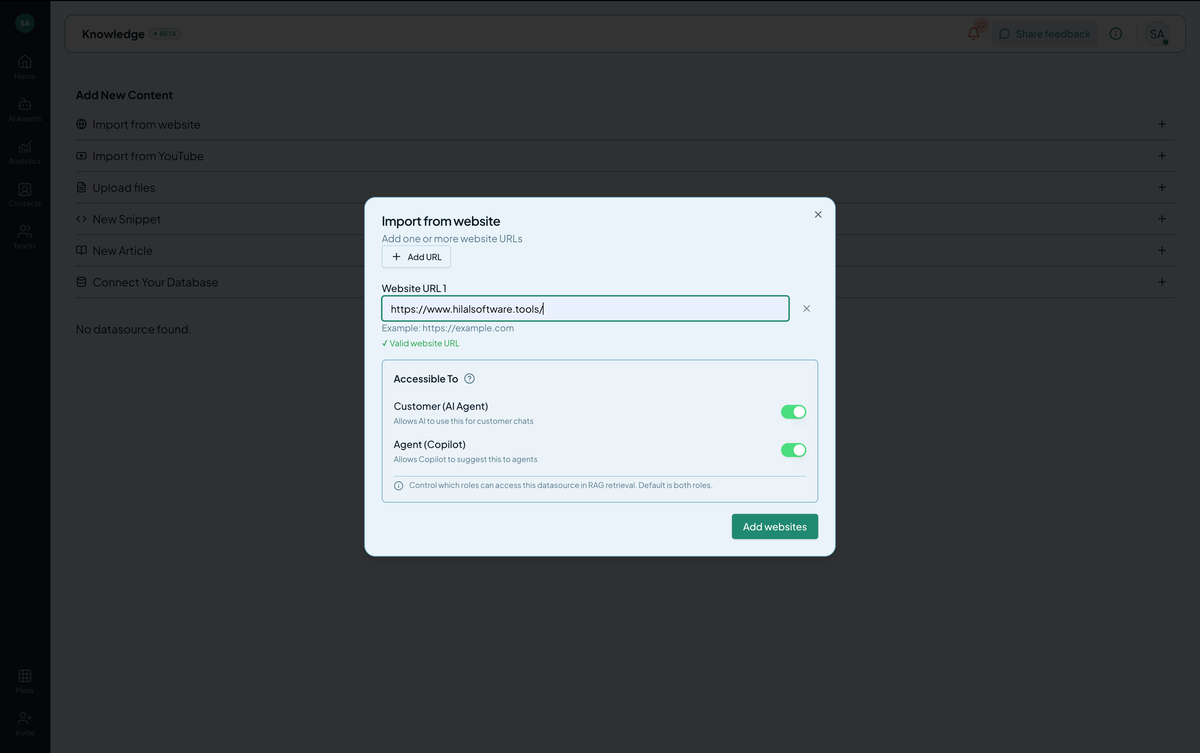 Screenshot: A website source crawling, with progress percentage.
Step 2: Configure crawl
| Option | Default | When to change |
|---|---|---|
| Max depth | 3 | Raise to 5–6 for deeply nested help centers; lower to 1 to index a single page. |
| Max pages | 500 | Raise on Enterprise plans for large sites. |
| Include subdomains | off | Turn on if your help center lives on help.example.com and you want to also index docs.example.com. |
| Excluded paths | (none) | Glob patterns of pages to skip. Good for excluding /blog/, /legal/, /login/. |
Click Add.
Step 3: Watch the crawl
Status sequence:
pending— queued for a crawl worker.crawling— fetching pages. Progress is approximate; real total only known after discovery.processing— extracting and chunking content.training— building the vector index.trained— live and answering.
A 50-page site finishes in 1–3 minutes. A 5,000-page site can take 30+ minutes.
What gets indexed
The crawler extracts the main content of each page — paragraphs, lists, tables, headings. It skips:
<nav>,<header>,<footer>,<aside>elements.- Cookie banners and modals (best-effort).
- Pure-image content (no OCR for crawled pages).
- Pages that return non-200 status.
- Pages excluded by
robots.txt(we respectDisallowfor our user-agent).
If your content lives in JavaScript-rendered components only, the crawler may get an empty page. Either provide a server-side rendered version, or upload a documents export.
Re-crawl when content changes
Open the source row and click Retrain. The crawler runs again and replaces the old index.
Troubleshooting
- “0 pages indexed.” Either
robots.txtblocks our user-agent, the site requires JS to render, or the URL returned non-200. Verify by visiting the URL in a private browser tab. - Wrong content extracted (cookies banner, navigation menu, etc.). Use Excluded paths to skip the offending sections, or move to a Document source.
- Crawl never finishes. A site with too many pages or pagination loops can hit limits. Raise Max pages or use a sitemap to give us a curated list.