Template Creation
Overview
The Template Creation provides users with the ability to create and customize email templates using drag-and-drop components and various styling options.
- Components: Drag-and-drop elements to structure the template.
- Styles: Customize the appearance of the email template.
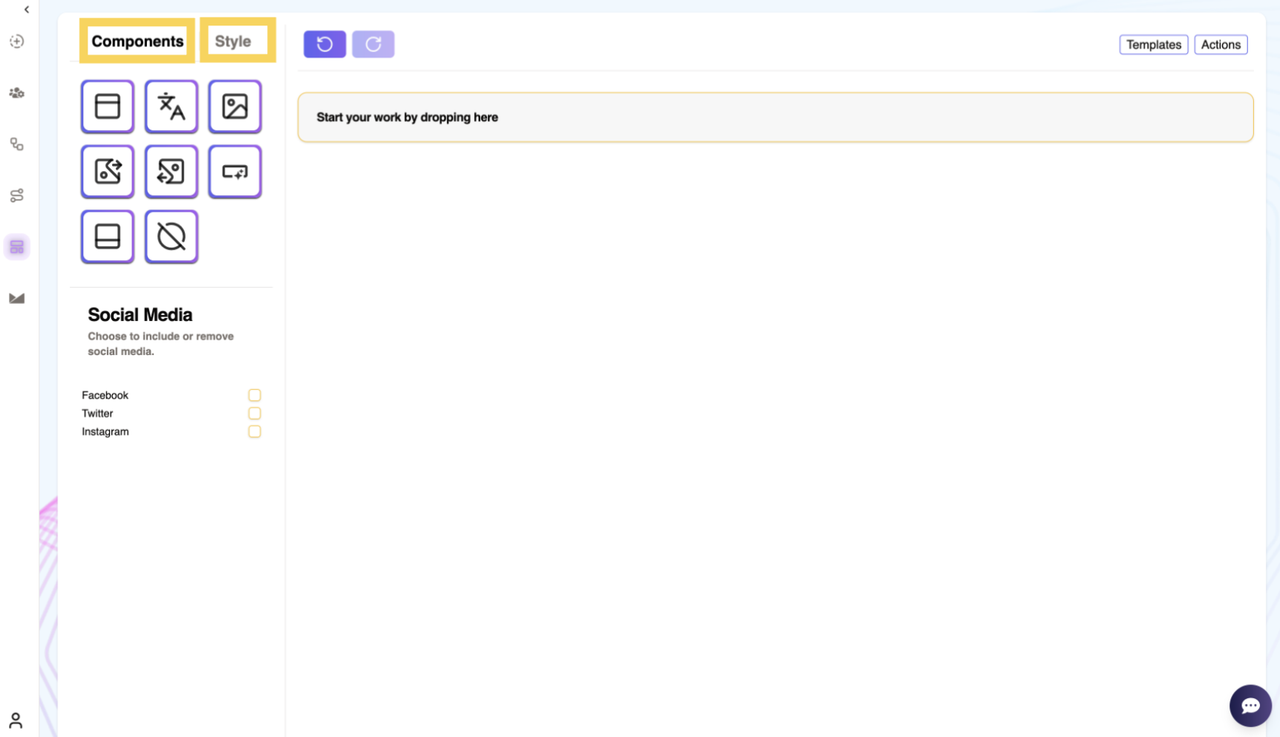
Components
The Components section includes various elements that can be dragged and dropped onto the template design area on the right side. These components include:
- Header: Add a header section to the email.
- Text: Insert a text block.
- Image: Add an image block.
- Right Image: Place an image on the right side with text.
- Left Image: Place an image on the left side with text.
- Button: Insert a clickable button.
- Footer: Add a footer section to the email.
After placing these components in the design area, users can edit them as required.
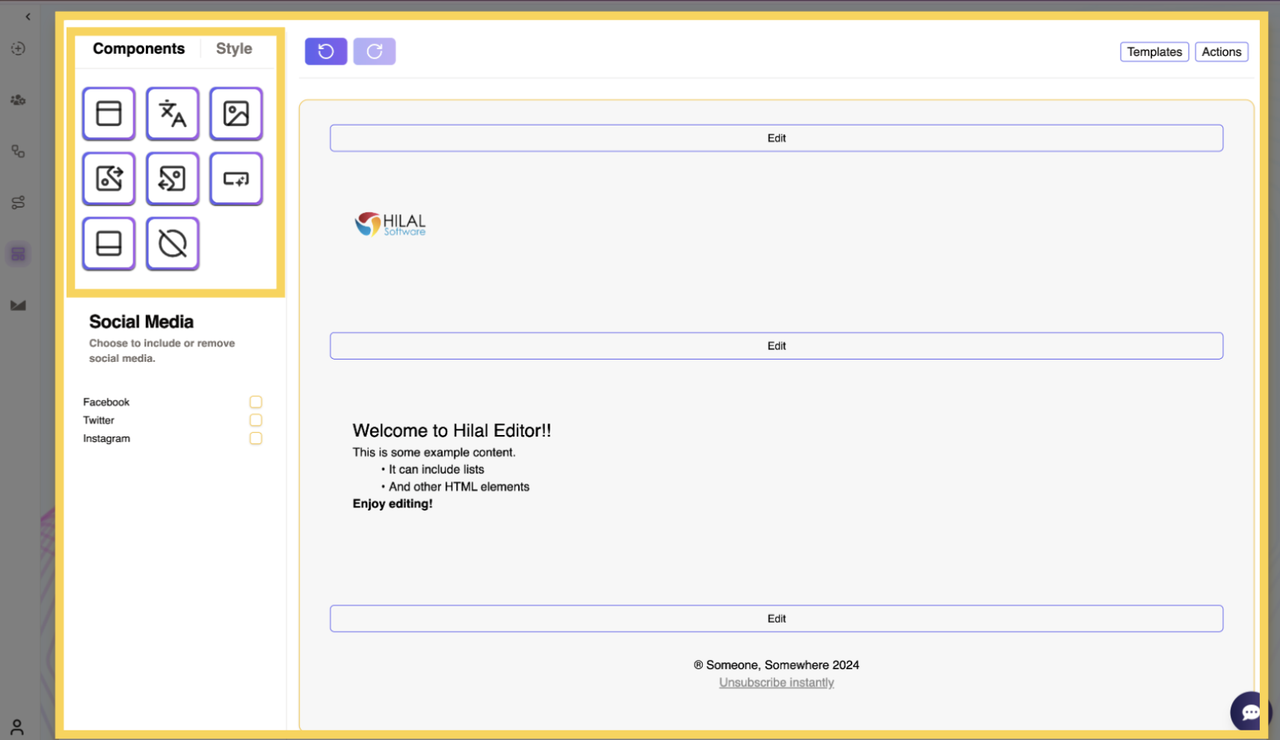
Social Media Options
Users can choose to include or remove social media links by checking the respective boxes for:
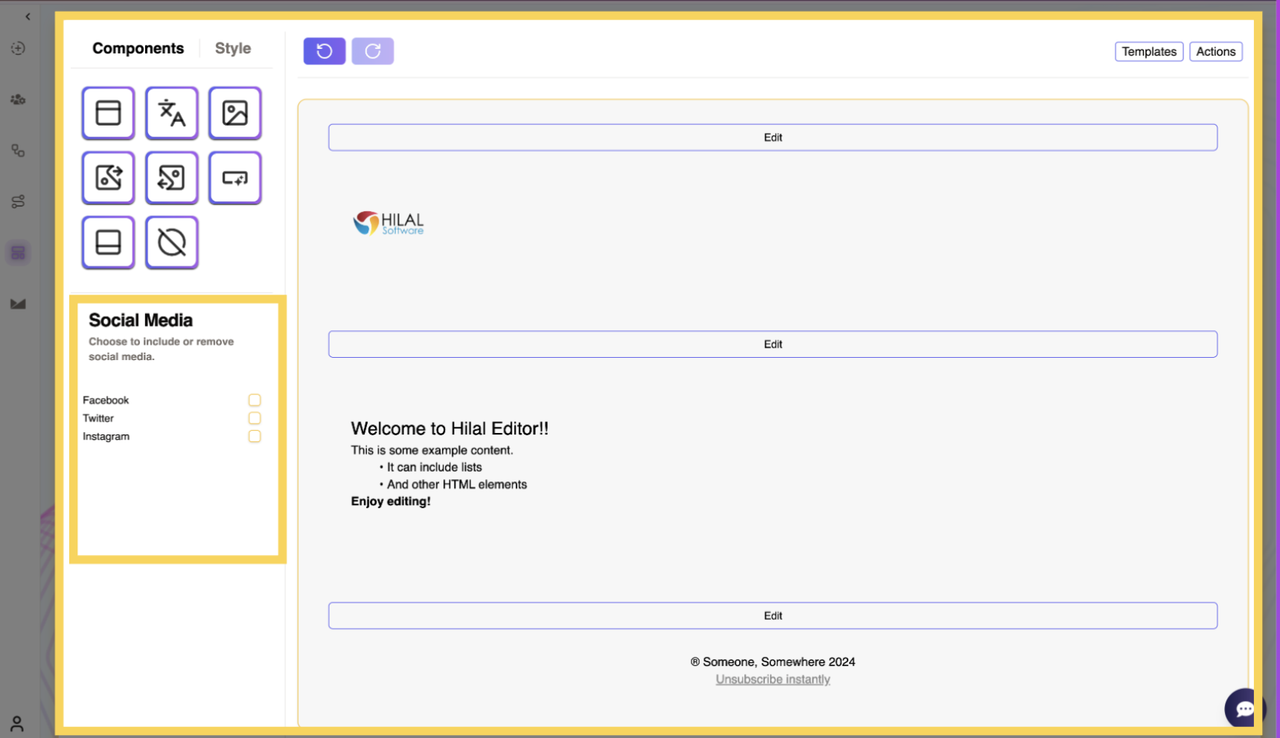
Styles
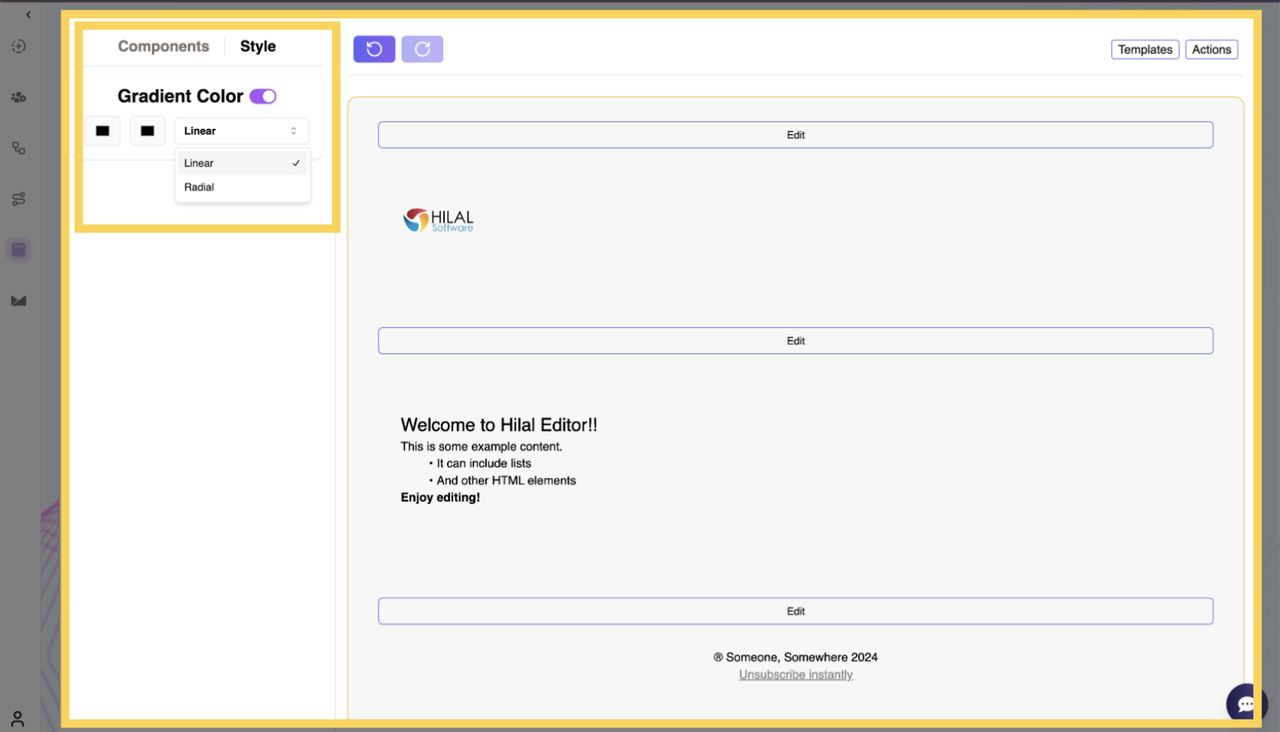
The Styles section allows users to customize the background of the email template. The available options include:
- Single Color: Select a color using a color wheel or upload an image as the background.
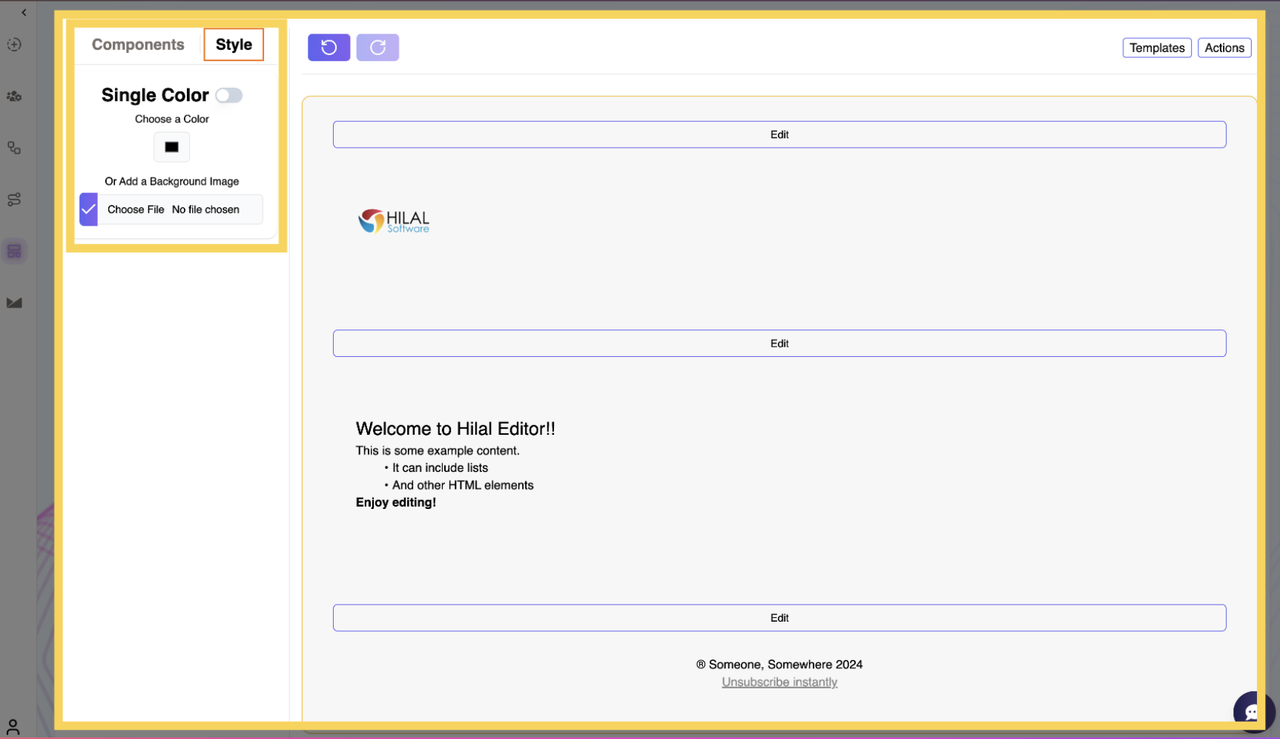
- Gradient Color: Choose two different colors and apply them in either radial or linear format.
Templates
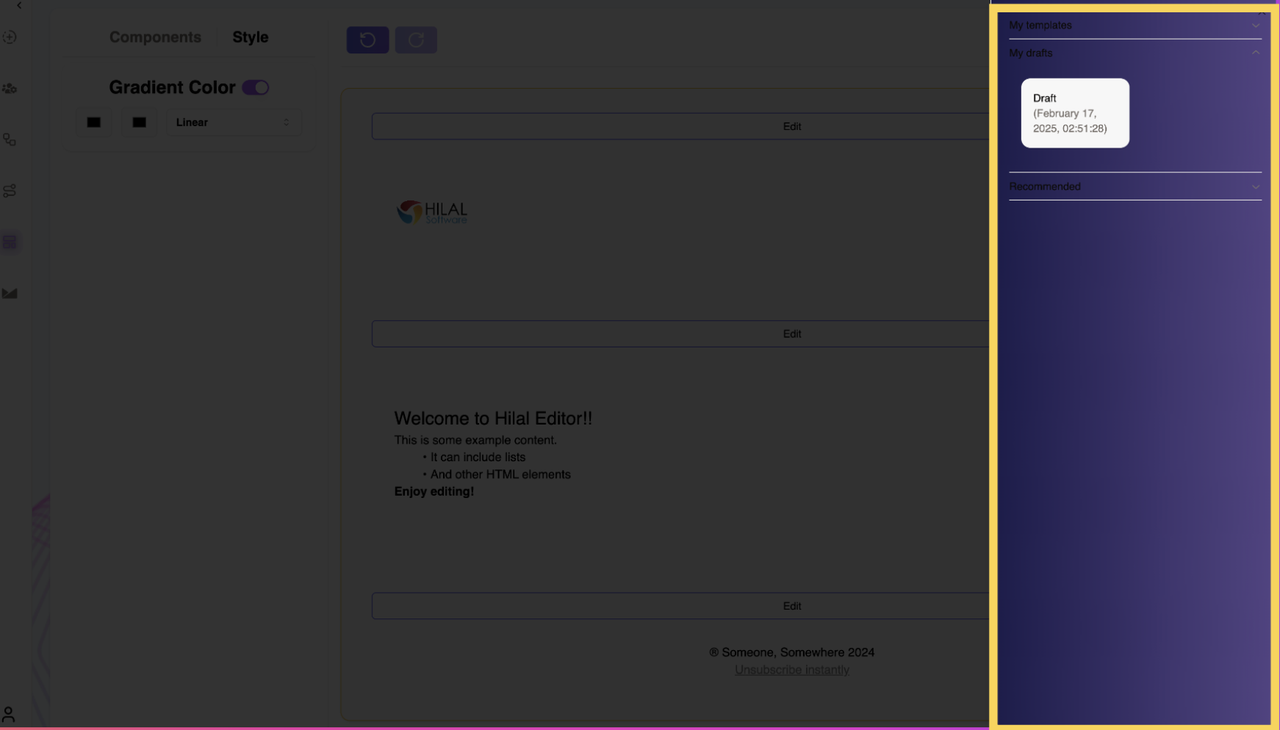
When the user clicks on the Templates button, a sliding panel opens from the right side. This panel contains three sections:
- My Templates: Previously saved templates.
- My Drafts: Templates that are saved as drafts.
- Recommended: Pre-designed templates for quick use.
Actions
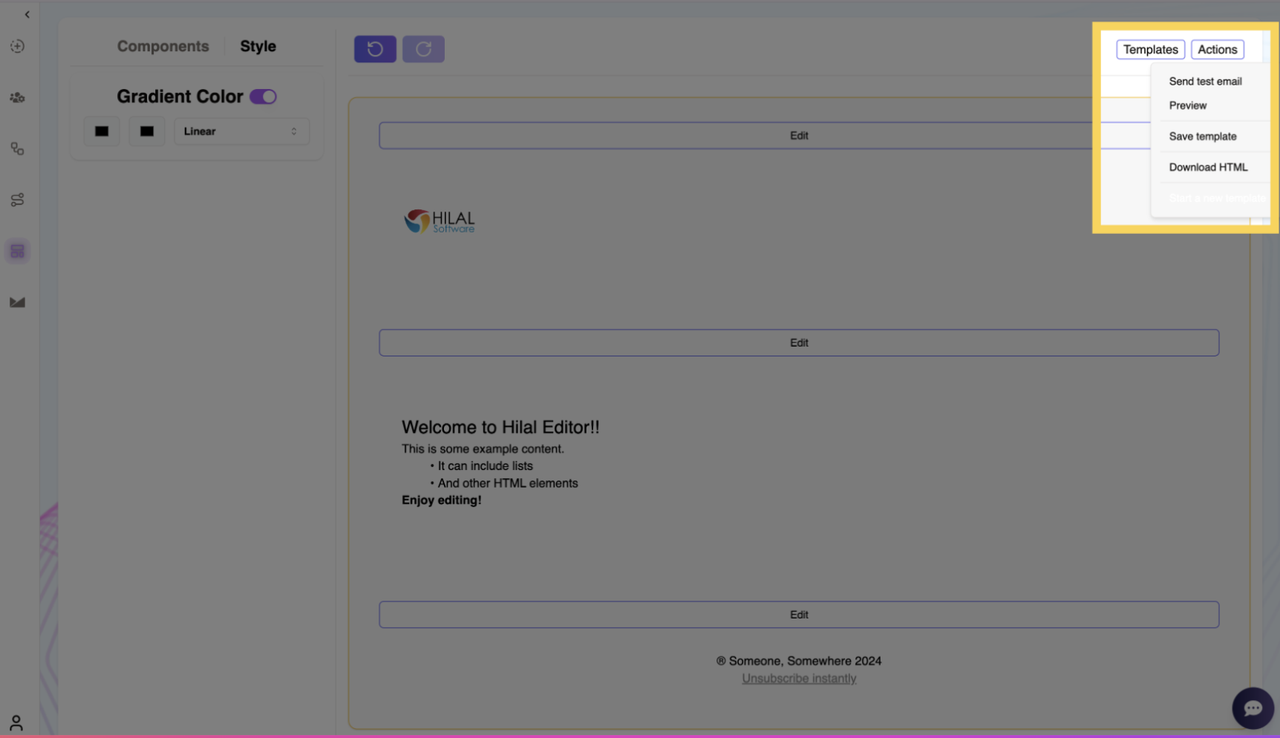
Clicking on the Actions button reveals a dropdown menu with the following options:
- Send a Test Email: Send a test email to preview the template.
- Preview: View the email before finalizing.
- Save Template: Save the current template.
- Download: Download the email template.
The Template Creation allows users to design and customize email templates efficiently. With drag-and-drop components, styling options, and additional template management features, users can create professional-looking email templates with ease.