Vendor Management
The Vendor Management module serves as the central hub for maintaining all vendor data, empowering procurement and inventory teams with the insights and controls needed to ensure smooth supplier coordination and timely inventory replenishment. By consolidating vendor information in one place, the system enhances transparency, accountability, and operational efficiency.
Key Features
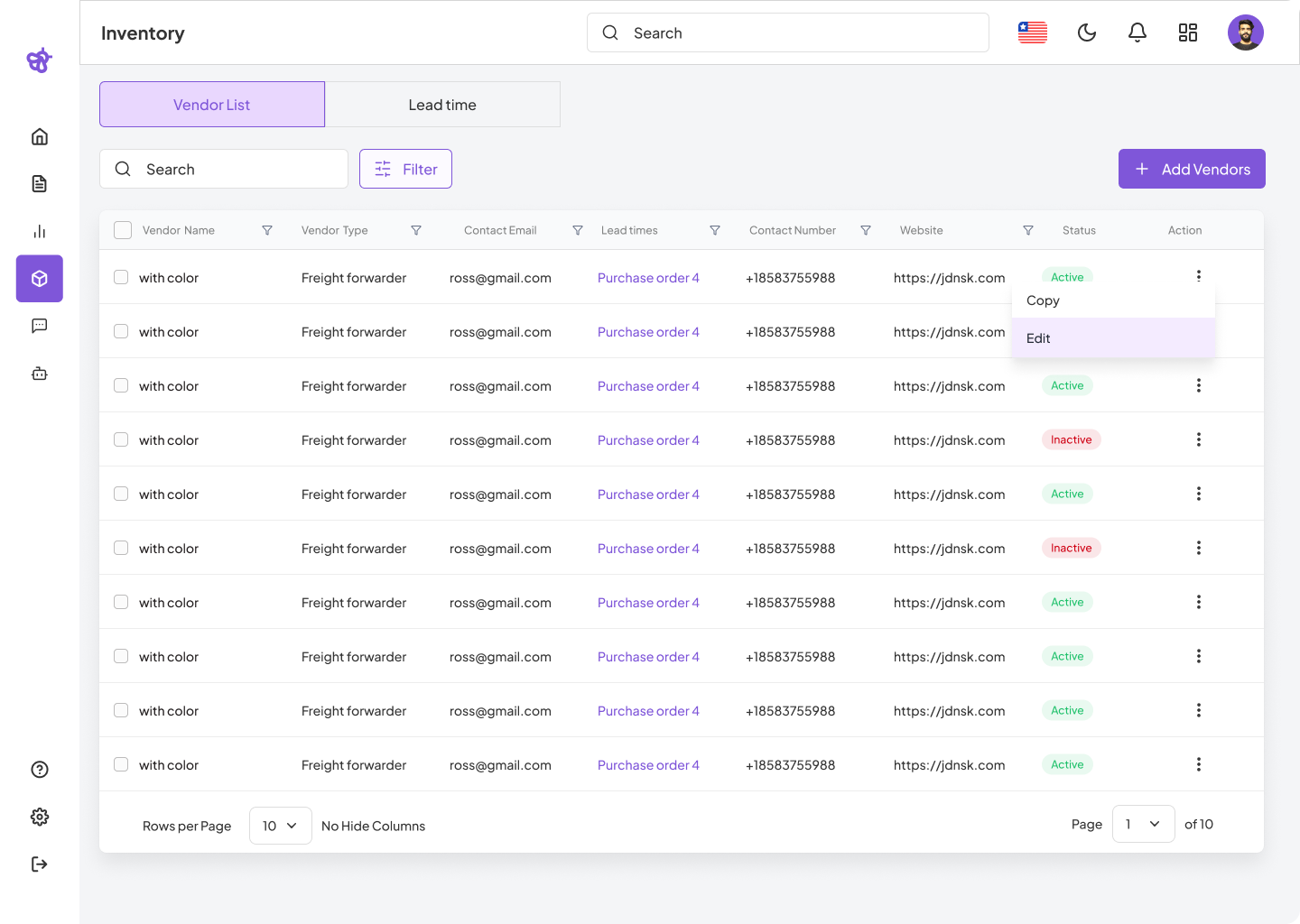
Vendors List
The Vendors List is the primary interface where users can view all registered vendors in a structured table format. It displays essential details such as vendor type, contact information, lead times, and status indicators, making it easy to monitor vendor health and availability at a glance. Users can search, filter, and perform bulk actions on vendors, as well as initiate workflows to add new vendors or modify existing ones.
Lead Time
The Lead Time section provides tools to manage predefined lead time templates that represent the typical durations required by vendors to fulfill orders. These templates help procurement teams plan and forecast inventory replenishment more accurately by associating realistic delivery timelines with each vendor. Users can create, edit, assign, and track lead time templates to optimize order scheduling and reduce supply chain delays.
Click on the cards below to explore each feature in detail and learn how to utilize the Vendor Management system to its full potential.